Problem Right Clicking on Shortcuts

With the new update (Fences v5.91 Revision 3) when I left click on a shortcut in the fence, if there is a shortcut under the fence that shortcut is what opens and not the shortcut in fences. This didn't happen in the prior versions.

201 views 12 replies
Reply #2 Top

Hello,

Sorry to hear you are having issues. Need to know few more things.

  • You on Windows 10 or 11? Also need its full version and OS Build number.
  • If you do a Free Trial on Fences v6 does the issue still appear under it?

Thank you,

Basj,

Stardock Community  Assistant.

Reply #3 Top

Sorry for the delay in answering. I am on Windows 11: Version 25H2 (OS Build 26200.8457). I downloaded Fences Free Trial of V6 and uninstalled v5 before installing it. By the way, I am using the roll-up feature of Fences which is why there are shortcuts underneath the shortcuts in the fence. Same issue, when a shortcut on the desktop is underneath the one in fences it's program is the one that comes up. It is weird because if the fences shortcut is off by a little bit and you can find that spot that on the fences shortcut, the fences shortcut 's program will come up.   

Reply #5 Top

Hello again,

If you could please capture a short video of this happening so we understand it better.

Thank you,

Basj,

Stardock Community  Assistant

Reply #6 Top

I would love to. I have a short 15 second mp4 recording, but when I drag and drop it here I get either nothing shows up, or a "Dropped file type is not supported. The file is 16 MB. How do I get this on the post? Thanks.

Reply #7 Top

You could upload the video to any video sharing site, such as Youtube, set it to be public. And use the Youtube icon button to add its link here in the forum. Or it if wish to use other site than youtube, you can just paste it link here.

Thank you,


Basj,

Stardock Community  Assistant

Reply #9 Top

I can't reproduce your issue on my system. 

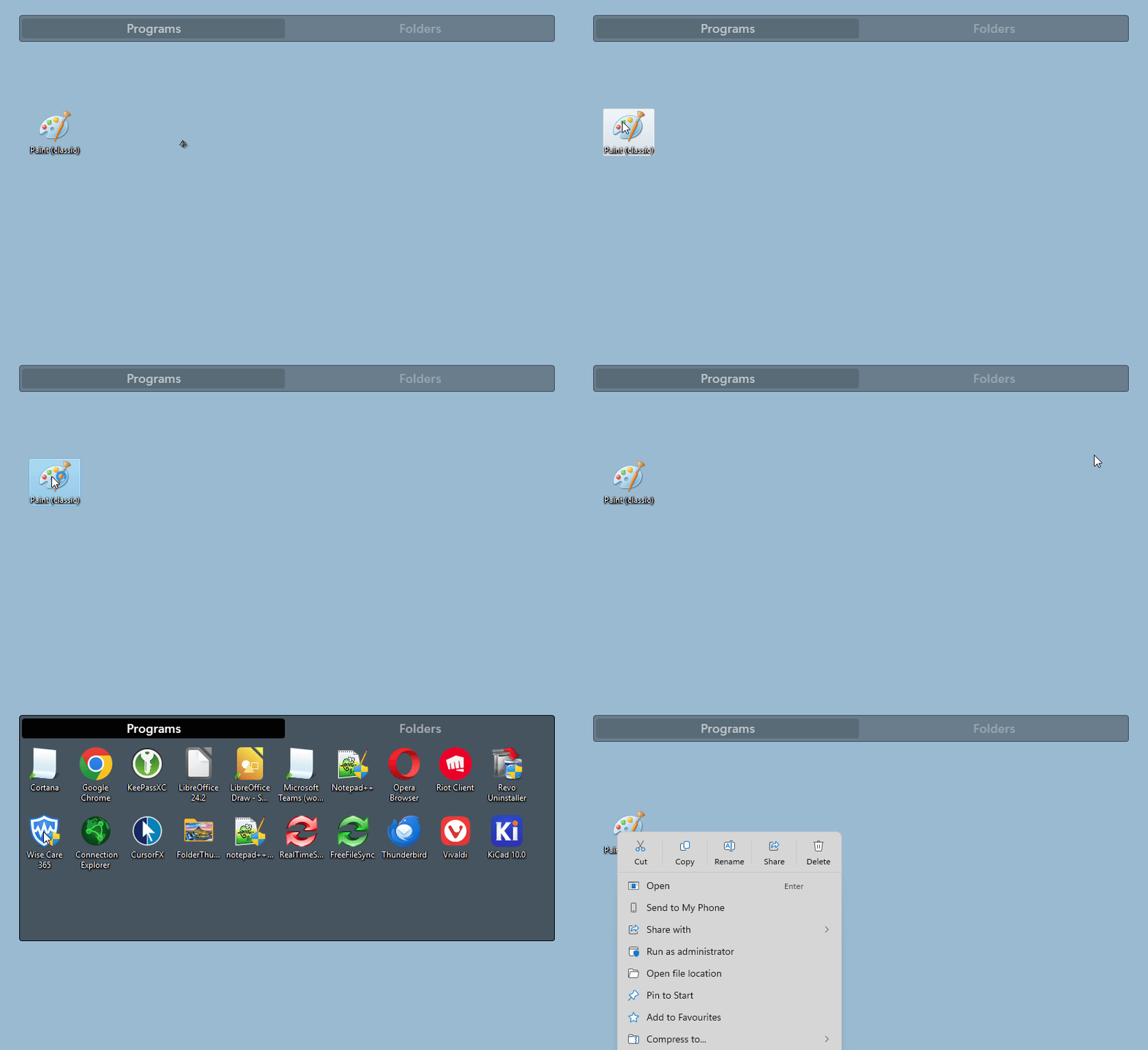
Here is what I get on my Windows 11 system with Fences v6. When I right click on the icon inside the fence. It open that icon right click menu. It did not open up the program on the desktop behind the Fence.

Added note: I also test the left click on the Wise Care 365, it simply open up Wise Care (not shown in the video)

Perhaps something else is interfering with Fences. Please do a Sandbox test and see it the behavior is the same as what you get in your system.  Refer here for guide: https://support.stardock.com/space/SHC/1416560645/Testing+Fences+in+Sandbox. Try it and report back.


Thank you,

Basj,

Stardock Community  Assistant

Reply #10 Top

Video with double left click for reference.

Thank you,


Basj,

Stardock Community  Assistant

Reply #11 Top

I could not replicate the problem in Windows Sandbox. When ever the shortcut was hovered on the whole shortcut was highlighted. I believe that may be because of limited shortcuts on the desktop. It wouldn't be feasible to install a bunch of programs on Sandbox to be able to test it thoroughly. But I did notice something else about the problem. When I hover on the Fences shortcut that I want to click on, it does not highlight in certain places. When you left click while the shortcut is not highlighted, that is when the underlying shortcut opens. I made another video to show what is happening. Thanks again for your help.


https://youtu.be/fFmC5YS1DJc

Reply #12 Top

Perhaps something is blocking or causing Fences from working properly, please try Clean boot, refer here for steps: https://support.stardock.com/space/SHC/1332445272/Fences+Clean+Boot. Do note that Clean boot need to be done with care. Try it and report back.

Thank you,

Basj,

Stardock Community  Assistant